
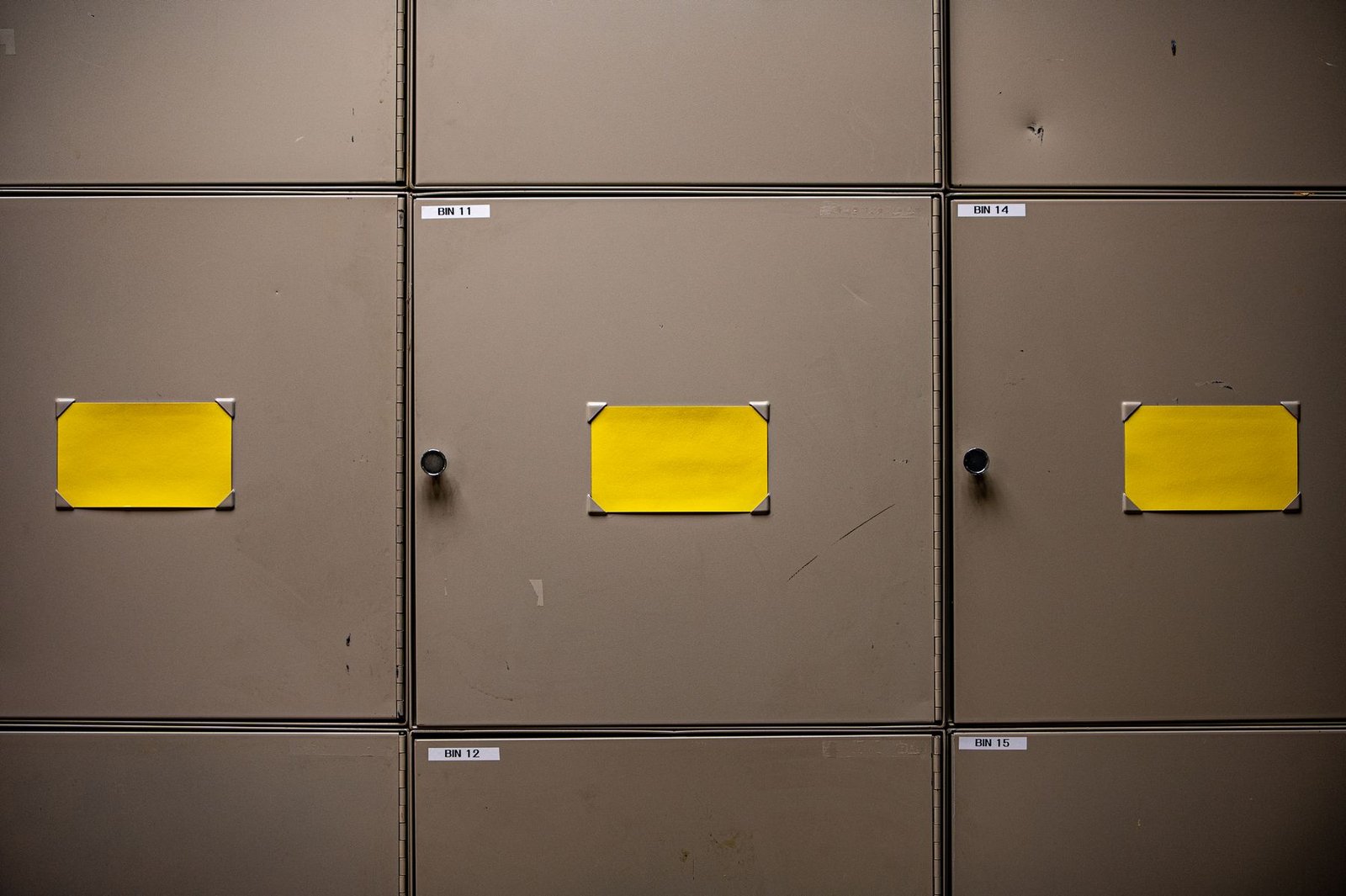
The most helpful label answers a small question at the right moment: what belongs here, which folder is this, or where should this item go back? You do not need to label an entire office at once. Start with one shelf, one drawer or one shared set of supplies.
Choose names people will understand
Use the words you would say aloud when looking for an item. “Printer paper” is easier to recognize than a private abbreviation. Keep the naming pattern consistent: use either project names or document types for a set of folders, then add a year or date when it helps distinguish them.
For shared storage, ask another person to find something using your proposed names. If a label needs an explanation, simplify it before printing the whole set. Reserve extra detail for a contents list inside the folder or box.
Match the label to the job
Check the exact printer model and the label sizes it supports. Similar-looking rolls may have different requirements. Choose material and adhesive for the surface and the expected conditions, using the manufacturer’s specifications. A label for an indoor paper folder has a different job from one intended for a damp or frequently handled container.
For thermal labels, check the stated storage and durability guidance, including exposure to heat and sunlight. Do not assume every label is suitable for long-term records. Keep replacement rolls in the conditions recommended for that particular material.
Make one test before a batch
Print a single label and read it from the distance at which it will be used. Keep the type simple, leave space around the words and use a consistent position across neighboring containers. Check that the text fits without awkward wrapping.
On a suitable surface, test adhesion and removal in a discreet spot if appearance matters. Follow any surface-preparation instructions supplied with the labels. Avoid covering ventilation openings, controls or important manufacturer information on equipment.
Leave room to change your mind
Save a reusable layout, but update the wording when the contents change. Remove obsolete labels rather than stacking new ones over old instructions. A small system that stays accurate is more useful than an elaborate one that becomes difficult to maintain.